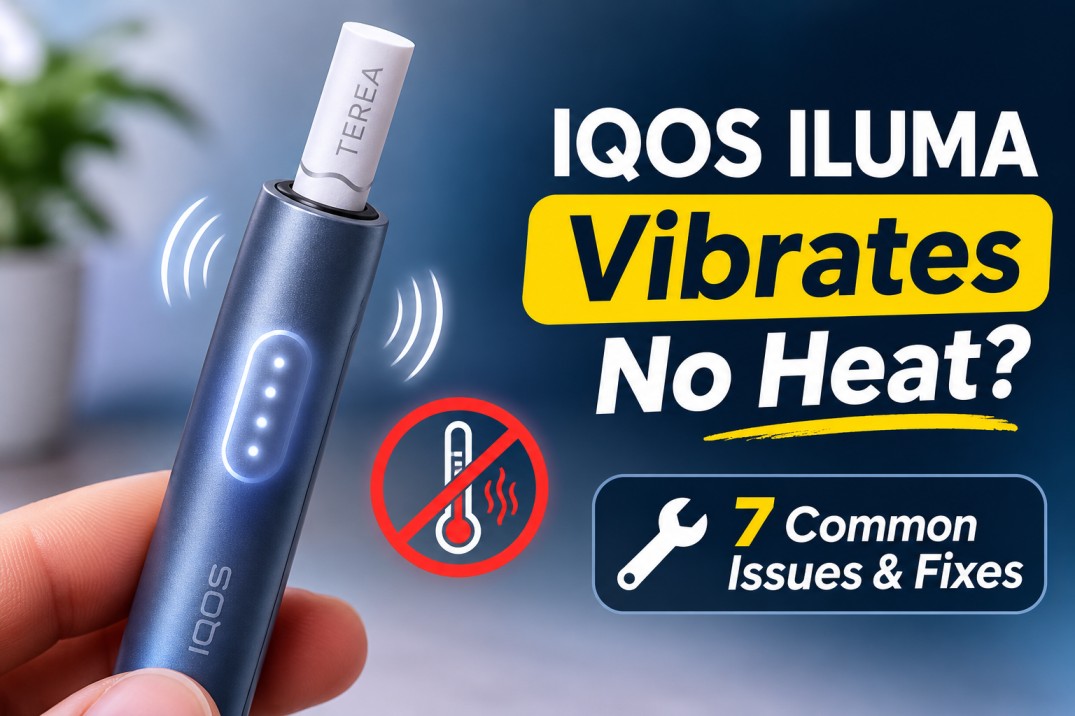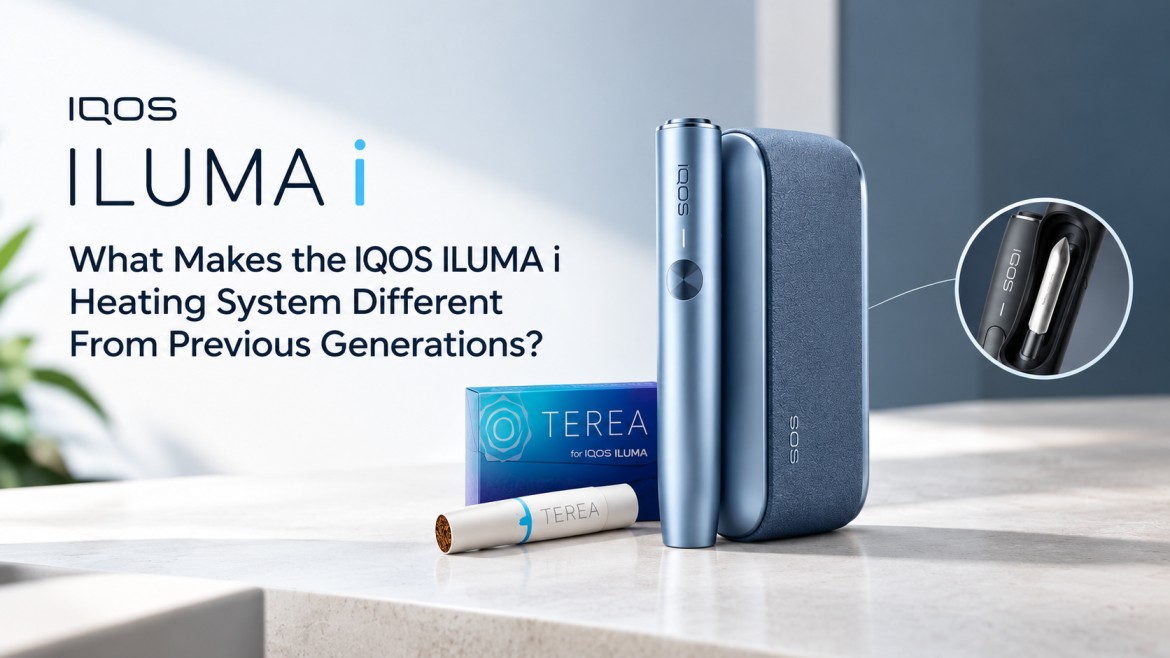
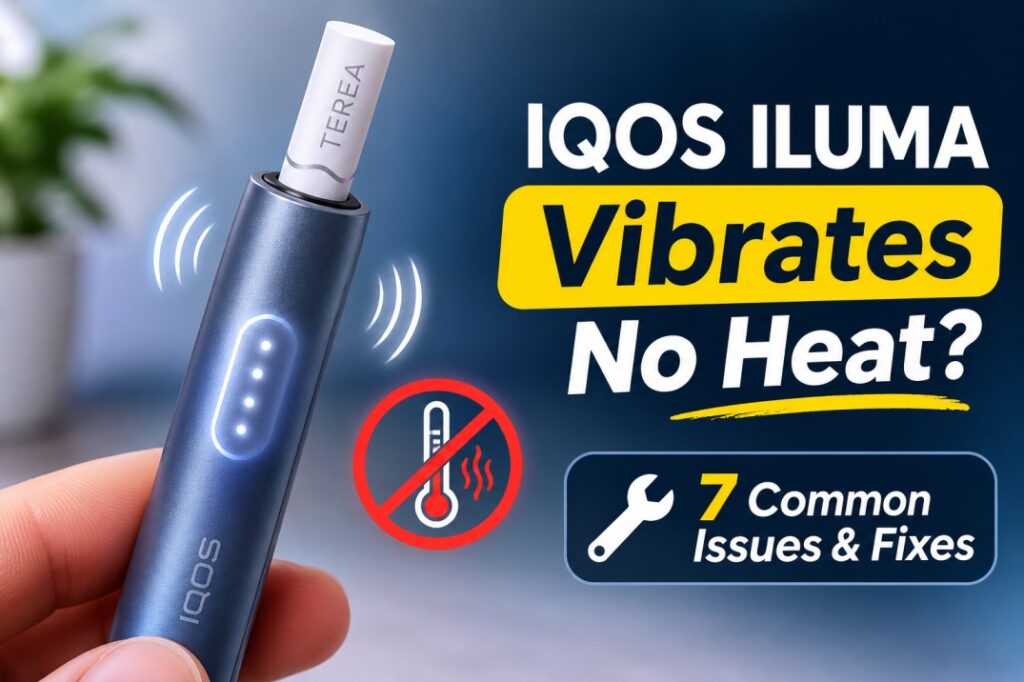
You slide in a fresh TEREA stick, the holder buzzes, and then nothing happens. You get no warmth, no vapor, and no second buzz. If this is happening to you, your device is usually fine. Something in the startup sequence just stopped it partway through.
The key point is that the vibration and the heating are two separate stages. The first buzz only means the device detected the stick. Heating comes after that, and it can stop for a few simple reasons.
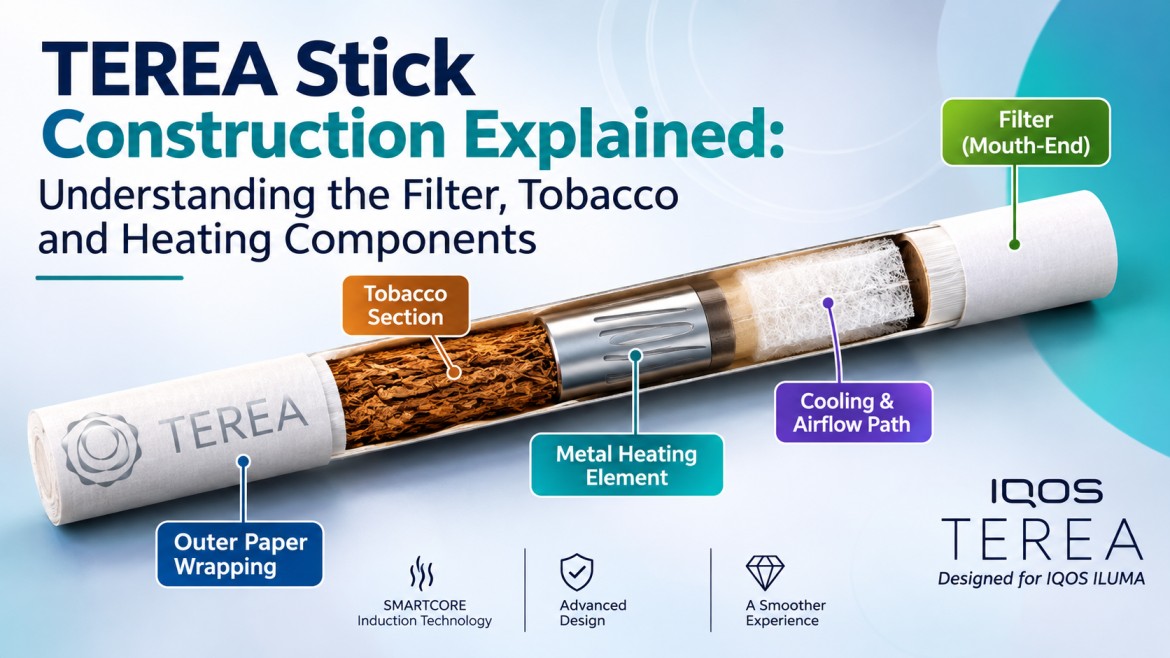
IQOS ILUMA uses the SMARTCORE INDUCTION SYSTEM™, which heats the sealed metal element inside the TEREA stick from within. There’s no blade. This works the same way whether you smoke rich TEREA Amber, smooth TEREA Silver, or menthol TEREA Turquoise. Heating stops when:
- The stick isn’t inserted deep enough
- Auto-Start is switched off
- The holder battery is too low
- The device is too hot or too cold
- The device has an error
One more thing: the fix depends on your model. Two-piece models (ILUMA, PRIME, ILUMA i, ILUMA i PRIME) work differently from the all-in-one ONE models. Let’s go through it.
How Does Normal IQOS ILUMA Heating and Vibration Work?
First, you need to know what a normal start looks like. Then you can spot where yours goes wrong.
On the ILUMA i ONE, for example, you insert the stick to the line on the filter until the device vibrates and the lights pulse. Preheating then starts on its own through Auto-Start, or with a 1-second button press, and takes about 20 seconds. A second vibration with a steady status light means you can start.
So a normal start goes like this:
- First vibration: The device detects the stick, and the status lights pulse white.
- Preheating: This takes about 20 seconds. Keep the stick still during this time.
- Second vibration: The lights stop pulsing and stay on. Your stick is ready.
Here’s the rule to remember: one buzz with no second buzz means preheating never finished. That’s the problem the rest of this guide solves. If you’d like to understand the technology behind this, read our explainer on how the ILUMA i heating system differs from older IQOS devices.
7 Common Reasons IQOS ILUMA Vibrates Without Heating TEREA
1. The TEREA stick isn’t inserted deep enough
This is the most common cause, and the easiest to fix. Every TEREA filter has a printed line on it. Push the stick straight down until that line sits level with the top rim of the holder. If the stick sits too high or goes in at an angle, the induction system can’t work as designed.
Fix: Pull the stick out, check that it isn’t bent, and push it straight back in. Don’t twist it or force it.
2. Auto-Start is turned off in the IQOS App
Auto-Start is on by default, but you can change it. You don’t need the IQOS app for Auto-Start to work, but the app does let you turn it off. You can also start heating manually with the side button. If you or a previous owner turned it off, inserting a stick only gives you the detection buzz.
Fix: Connect your device to the IQOS App over Bluetooth, open its settings, and turn Auto-Start back on. You can also start it manually: press the button for 1 second on ILUMA, PRIME, ONE and ILUMA i ONE, or swipe up on the touch screen on ILUMA i and ILUMA i PRIME.
3. The holder battery is too low
On two-piece models, the pocket charger and the holder each have their own battery. A full pocket charger doesn’t help if the holder inside it is empty. On ILUMA, a blinking yellow light means the battery is depleted and needs charging.
Fix: Put the holder back in the pocket charger properly and close the door. It doesn’t take long. IQOS says the ILUMA holder needs about 1 minute 50 seconds of charging for one use.
4. The device is outside its operating temperature range
This one matters a lot in the UAE. ILUMA works within 0°C to 40°C, and when it’s outside that range the lights blink white twice. Summer afternoons here regularly go above 40°C, and a car parked in the sun gets much hotter than that. Leaving your device on the dashboard, or carrying it from a hot street into a very cold office, can interrupt heating.
Fix: Let the device return to room temperature on its own. Don’t put it in the fridge or use a hairdryer on it.
5. The stick is used, damaged, or not compatible
A crushed, wet, or already-used stick can confuse the device. ILUMA also only works with SMARTCORE STICKS™, which means TEREA. Older HEETS don’t have the metal heating element inside, so they won’t heat in an ILUMA at all.
Fix: Try a fresh pack. It doesn’t matter whether it’s TEREA Bronze, TEREA Teak, TEREA Sienna or TEREA Yellow. Every authentic TEREA works with every ILUMA model. If the device heats but the taste seems off, our guide on telling a flavor difference from a device issue will help you work out which one you’re dealing with.
6. A temporary device error
Electronics sometimes glitch. You may see a red blinking light, feel repeated buzzes, or watch the device try to heat and then give up. A reset clears most of these errors. If the red light keeps coming back after a reset, the problem is hardware, and you’ll need support (covered below).
Fix: Use the reset method for your model (see Step 6).
7. Pause Mode on ILUMA i (sessions that stop partway through)
Pause Mode is only on the touch-screen models: the ILUMA i PRIME and the ILUMA i standard. It only works in Performance Mode, within the first 3 minutes or 8 puffs. Swiping down across the full screen pauses the session, and swiping up resumes it after a short preheat. A pause can last up to 8 minutes; after that, the holder switches off.
It’s easy to swipe down by accident in a pocket. Also, don’t mix up Pause Mode with FlexPuff. FlexPuff is a separate feature that may give you a few extra puffs at the end of a session. In fact, FlexPuff doesn’t activate if you used Pause.
Fix: Look at the touch screen. If it shows the pause lines, swipe up across the whole screen to resume.
Note: Pause Mode explains a session that stops partway through. It doesn’t explain a device that fails to heat right after you insert a stick.
What Do IQOS ILUMA Indicator Lights Mean When Heating Fails?
Your lights tell you what’s wrong. Use this table:
| Light or symptom | What it means / what to check |
|---|---|
| Yellow (or orange) blinking light on the holder | Holder battery is empty. Charge it |
| Triple orange blink (ILUMA i ONE) | Battery is depleted. Plug it in |
| Lights blink white twice | Device is outside 0–40°C |
| Red blinking light | Reset the device |
| First vibration, then no second one | Check insertion, Auto-Start, battery and temperature |
| Pause lines on the touch screen (ILUMA i / i PRIME) | Swipe up to resume within 8 minutes |
Light patterns vary a little between models, so check your device’s user guide if what you see doesn’t match the table.
How to Fix IQOS ILUMA Vibrating but Not Heating TEREA
Work through these steps in order. Most people fix the problem by Step 3.
Step 1. Check the TEREA insertion line
Remove the stick and check it for damage. Then push it straight down until the printed line meets the rim of the holder. Wait about 20 seconds for the second buzz.
Step 2. Check the Auto-Start setting
Open the IQOS App, connect your device, and make sure Auto-Start is on. Alternatively, start heating manually with the button or a swipe up, depending on your model.
Step 3. Check the holder battery
Tilt the holder toward you, or short-press its button, to see the battery level. On two-piece models, seat the holder fully in the pocket charger. On ONE models, charge the whole device with the original cable and adapter.
Step 4. Check the operating temperature
Make sure the device is between 0°C and 40°C. Move it out of direct sun or away from cold AC vents, then wait.
Step 5. Check for visible damage or debris
Look into the holder opening without putting anything inside it. Check for a broken piece of stick or anything stuck in there. ILUMA’s bladeless induction means it doesn’t need the cleaning routine older IQOS devices required. Don’t use cleaning sticks, brushes, toothpicks, or tweezers in the chamber, and don’t blow into it.
Step 6. Reset your IQOS ILUMA based on its model
| Device | Reset procedure |
|---|---|
| IQOS ILUMA | Put the holder in the pocket charger, then hold the charger button for 10 seconds |
| IQOS ILUMA PRIME | Put the holder in the pocket charger, then hold the charger button for 10 seconds |
| IQOS ILUMA ONE | Hold the device button for 10 seconds |
| IQOS ILUMA i / ILUMA i PRIME | Put the holder in the pocket charger, then hold the charger button for 10 seconds |
| IQOS ILUMA i ONE | Hold the device button for 7 seconds |
For the ILUMA i, IQOS says that after you release the button, all the status lights turn off, blink twice, and come back on to confirm the reset. The ILUMA i ONE uses a shorter press: 7 seconds, followed by the same off, double-blink, and on pattern. Wait for the lights to confirm the reset before you test again.
Step 7. Test with a fresh TEREA stick
Insert a new, undamaged stick. Watch the lights, and listen for both vibrations. If you still don’t get the second one, stop troubleshooting at this point. For a broader checklist, see our guide on what to do if your IQOS won’t heat.
When Should You Contact IQOS Customer Support?
Contact authorized IQOS support if you notice any of these:
- The red light keeps blinking after a reset. IQOS itself says to contact Customer Care if the red blinking continues.
- Several fresh TEREA sticks still don’t heat
- The holder won’t charge, even in a charged pocket charger
- The device got wet or was dropped hard
- Sessions keep cutting out with no clear reason (our article on why ILUMA i keeps starting then stopping covers this pattern in detail)
Don’t open the device or try to repair it yourself. Doing so can void your warranty and damage the device permanently.
Where to Buy Genuine TEREA and IQOS ILUMA in the UAE
Many “faulty device” problems actually come from fake or badly stored sticks. Sticks that sat in a hot warehouse, or counterfeit packs with no proper heating element, won’t behave like genuine TEREA. When you buy, check for:
- Sealed packs that aren’t crushed
- Stock from a seller that keeps products away from the heat
- Clear product pages that list compatible models
- Fast local delivery, so packs don’t sit in a hot van for days
Tereazone keeps genuine stock of every ILUMA i model and the full TEREA range, including capsule options like TEREA Oasis Pearl, TEREA Sun Pearl and TEREA Purple Wave. You can browse everything at TEREA Dubai and get it delivered across the Emirates.
Frequently Asked Questions
Why does my IQOS ILUMA vibrate once but not heat?
Preheating didn’t finish. Shallow insertion, Auto-Start being off, low holder battery, or the device being too hot or cold are the usual causes.
Why does my IQOS ILUMA vibrate then stop?
Either the device detected the stick but couldn’t start heating, or AUTOSTOP ended the session because the stick moved. On ILUMA i, Pause Mode is another possibility.
How many times should IQOS ILUMA vibrate during startup?
Twice. It buzzes once when it detects the stick, and once more when it’s ready to use, about 20 seconds later.
Can disabled Auto-Start prevent IQOS ILUMA from heating TEREA?
Yes. With Auto-Start off, inserting a stick only triggers detection. Nothing heats until you start it manually.
Can I manually start IQOS ILUMA if Auto-Start is disabled?
Yes. Press the button for 1 second on most models, or swipe up on the touch screen on ILUMA i and ILUMA i PRIME.
How do I reset IQOS ILUMA ONE?
Hold the device’s button for 10 seconds, then release. The lights turn off and back on to confirm. (The ILUMA i ONE needs only 7 seconds.)
Why does my IQOS ILUMA i stop heating during Pause Mode?
That’s what Pause Mode is designed to do. Swipe up within 8 minutes to resume. If you wait longer, the holder switches off.
Can low battery prevent IQOS ILUMA from heating?
Yes. An empty holder can’t finish preheating. Look for the yellow or orange blinking light and charge it.
Does IQOS ILUMA need internal cleaning?
No. Induction heating leaves no residue on a blade, so you don’t need to clean inside the chamber. Wiping the outside is enough.
Can I use HEETS in an IQOS ILUMA device?
No. ILUMA only works with TEREA. HEETS don’t have the metal element that the induction system needs to heat.
Final Thoughts
When your ILUMA vibrates without heating, it has detected your stick but hasn’t finished preheating. Check these in order: insertion depth, Auto-Start, holder battery, and temperature. Then do the reset for your specific model. Most devices work normally again after these checks. If red lights keep coming back, or fresh sticks still won’t heat, contact authorized IQOS support.
Want more practical guides like this? Explore the Tereazone blog for more ILUMA tips and TEREA flavor comparisons.