
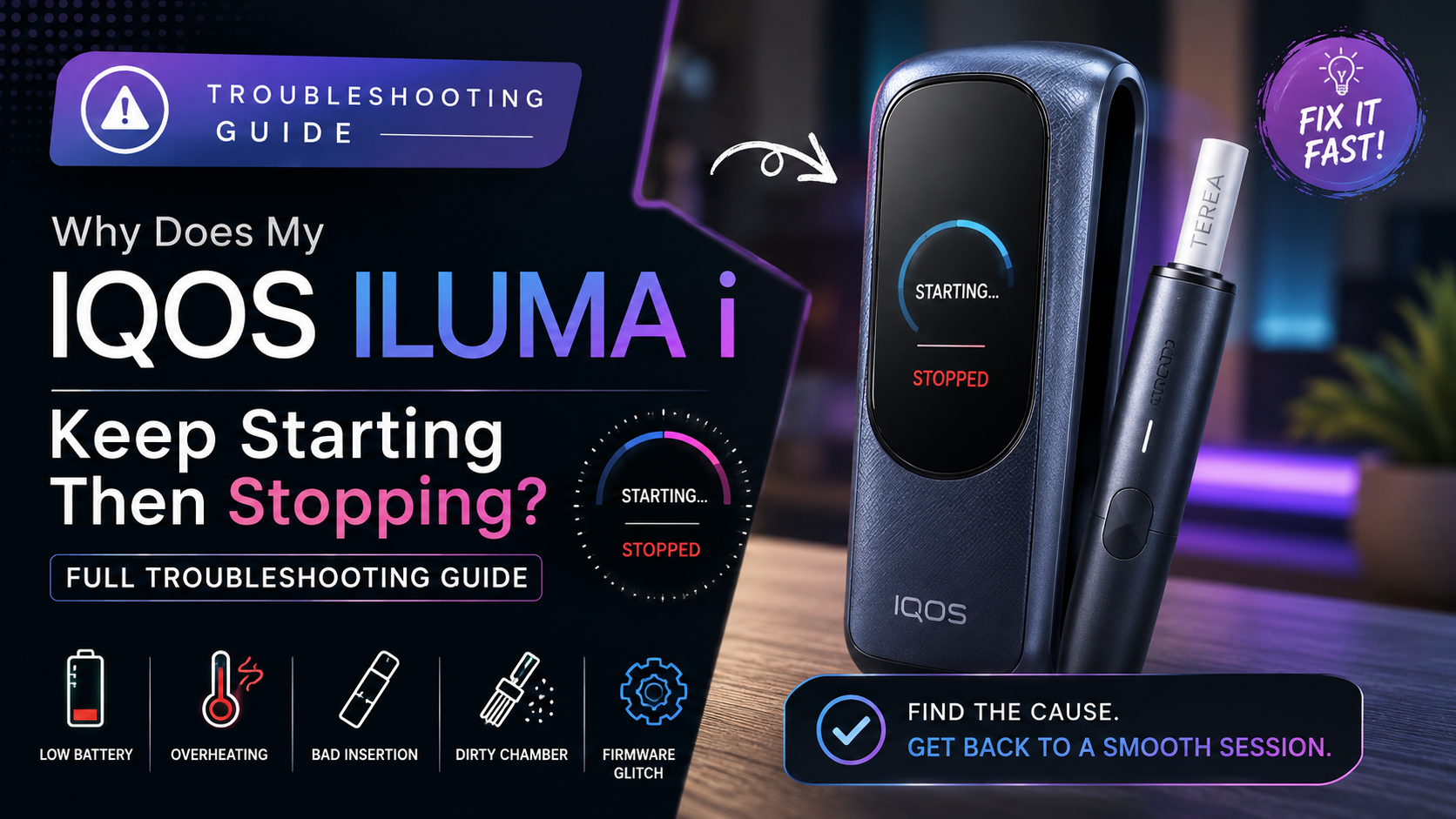
You press the button, the IQOS ILUMA i vibrates to confirm AutoStart has kicked in, the screen or light comes on and then, a few seconds later, it just stops. No smoke, no warning, no obvious reason. If your ILUMA i keeps starting a session and cutting out before you get a proper draw, you’re not dealing with a rare glitch. It’s one of the most common complaints we hear from ILUMA i owners in the UAE, and in almost every case it traces back to one of a handful of fixable causes rather than a faulty device.
This guide walks through why an ILUMA i starts then stops, across the Standard, ONE, and PRIME models, how to tell a minor issue from one that needs professional attention, and what to check before you consider a replacement.
How the Start-Then-Stop Pattern Usually Shows Up on ILUMA i
Before getting into causes, it helps to recognize the pattern itself. Most ILUMA i owners describe one of these:
- The device heats up, vibrates to confirm AutoStart has begun, then shuts down within the first few seconds
- The session starts normally but cuts off partway through, well before the usual session length
- The light or touchscreen (on PRIME) flashes or changes color right as the device stops, rather than staying steady
- The device starts, stops, then won’t restart at all until it’s charged or reset
One thing that’s specific to ILUMA i and worth ruling out first: the device has a built-in Pause Mode that lets you briefly halt a session with a light press of the control button and resume it later. If your device seems to “stop” but the indicator is pulsing rather than off, you may simply have triggered Pause Mode by accident. Our guide on how to use Pause Mode on your ILUMA i explains exactly what the pulsing pattern looks like and how to resume a paused session before it expires.
If that’s not what’s happening, here are the five most common genuine causes.
Common Cause 1: Low or Inconsistent Battery Charge
This is the single most frequent reason an ILUMA i starts a heating session and then aborts it. The induction heating element draws a burst of power the moment AutoStart triggers. If the battery is low, or the charge is uneven because the device was left on the charger only briefly, there may be enough power to start the sequence but not enough to sustain it.
Charging behavior also differs slightly across the range, which matters here:
- ILUMA i ONE is all-in-one and needs a full charge cycle (roughly 90 minutes) before it can deliver its full 20 uses, a partial top-up often isn’t enough for a full session
- ILUMA i Standard and ILUMA i PRIME use a separate pocket charger, and take roughly 135 minutes for a full charge
If you’re not sure whether your charge was actually complete, our guide on how to use and charge the ILUMA i Standard, ONE and PRIME walks through the indicator behavior for each model so you can confirm a full charge before your next session.
Common Cause 2: Overheating Protection Kicking In
ILUMA i devices have a built-in safety cutoff that stops a session if the internal temperature rises too fast or too high. This is deliberate, it protects the induction heater and the battery but it can trigger more often than expected in a few situations common in the UAE:
- Using the device for back-to-back sessions with little to no cooling time in between
- Direct sunlight or leaving the device in a hot car, where in-car temperatures climb fast during summer
- A build-up of residue inside the holder that traps heat instead of letting it dissipate normally
If your ILUMA i tends to stop mid-session mostly in the afternoon or after several sessions in a row, overheating protection is the likely explanation rather than a hardware fault.
Common Cause 3: A TEREA Stick That Isn’t Seated Properly
ILUMA i’s induction heating only works correctly when the TEREA stick is inserted fully and straight. If it’s slightly off-angle, inserted at the wrong depth, or the stick itself is damaged, the device can start a session, detect that something’s wrong, and stop it as a safety measure.
Quick things to check:
- Push the stick in until it’s flush with the top of the holder
- Inspect the stick for any visible bends or crushing near the filter end
- If you’ve recently switched TEREA variants, confirm the stick isn’t swollen or damp from storage, which changes how it sits in the holder
Common Cause 4: Residue Build-Up in the Heating Chamber
Over weeks of regular use, tobacco residue accumulates inside the induction chamber. Once it builds up enough, it can interfere with the heating cycle enough to trigger an early stop, particularly toward the end of a cleaning cycle when residue is at its heaviest.
Cleaning fixes this in most cases:
- Use the cleaning tool that came with your ILUMA i after every pack, not just when problems appear
- Avoid using anything other than the official cleaning tool or brush, since other objects can damage the heating element
- If it’s gone noticeably longer than usual without a clean, do that before assuming there’s a deeper issue
Common Cause 5: A Firmware Glitch
ILUMA i devices run on firmware that occasionally needs an update, and in rare cases an outdated or partially installed update can cause inconsistent session behavior, including starting then stopping unexpectedly.
- Open the IQOS app and confirm your device is running the latest firmware version
- If an update was interrupted partway through, reconnect the device to Bluetooth and let the update complete fully
- A soft reset can also clear a temporary software hiccup
Our article on how firmware affects ILUMA performance goes into more detail on what firmware controls and why keeping it current matters more for induction-based devices like the i-series than for older models.
When It’s Likely a Genuine Device Fault
Most start-then-stop issues resolve with charging, cleaning, or correct stick insertion. It’s worth treating the issue as a possible hardware fault, rather than something to keep troubleshooting at home, if:
- The problem happens consistently with a full charge, a properly inserted stick, and a clean chamber
- The device won’t complete a full session even after cooling down for 15–20 minutes
- The light or touchscreen blinks in an unusual pattern, particularly a persistent red blink, rather than the standard start-up sequence
- The issue started suddenly after the device was dropped or got wet
If any of those match what you’re seeing, our full ILUMA i troubleshooting guide covers the diagnostic steps in more depth, including when it’s worth having the device inspected rather than continuing to use it.
A Quick Reference: What to Try First
- Check the indicator isn’t just showing Pause Mode
- Charge the holder fully and try again
- Let the device cool for a few minutes between sessions
- Reinsert the TEREA stick, making sure it’s straight and fully seated
- Clean the chamber with the official cleaning tool
- Check for and install any pending firmware update
- If none of the above helps, treat it as a possible hardware issue
If It’s Time for a Replacement
If troubleshooting confirms a genuine hardware fault, all three current ILUMA i models are available with fast UAE delivery:
- IQOS ILUMA i Standard : the two-piece holder-and-charger setup, in Midnight Black, Breeze Blue, Digital Violet, and Vivid Terracotta
- IQOS ILUMA i ONE : the compact all-in-one with up to 20 uses per charge, ideal if you want fewer parts to manage
- IQOS ILUMA i PRIME : the premium touchscreen model, in Aspen Green, Breeze Blue, Garnet Red, and Midnight Black
Final Thoughts
An IQOS ILUMA i that starts and stops unexpectedly is usually dealing with a simple issue such as low battery, overheating, incorrect TEREA insertion, or a software glitch. Check these basics first. If the problem continues despite everything being in order, it may be time for professional inspection or replacement.
FAQ
Why does my IQOS ILUMA i start vibrating and then stop right away?
This usually means AutoStart began the heating sequence but didn’t have enough stable battery charge to continue, or the overheating protection triggered almost immediately because the device was already warm from a previous session.
Is my ILUMA i actually stopping, or is it just Pause Mode?
Check the indicator pattern first. A pulsing light or screen usually means Pause Mode has been triggered rather than a genuine shutdown, resume the session within the allowed window before assuming there’s a fault.
Is it normal for ILUMA i to stop mid-session sometimes?
Occasionally stopping mid-session, especially during hot weather or back-to-back use, is within normal behavior thanks to the built-in overheating protection. It becomes a concern only if it happens consistently under normal conditions.
Does charging time differ between ILUMA i ONE, Standard, and PRIME?
Yes. The ONE needs about 90 minutes for a full charge covering 20 uses, while the Standard and PRIME use a separate pocket charger that takes roughly 135 minutes for a full charge.
How do I know if I need a replacement instead of troubleshooting further?
If the device still stops mid-session after a full charge, a clean chamber, a properly seated stick, and adequate cooling time, that pattern points to a hardware fault rather than a fixable habit or setting, and it’s worth having it inspected or replaced.