Why Does Your RELX Device Blink Red While You Inhale?
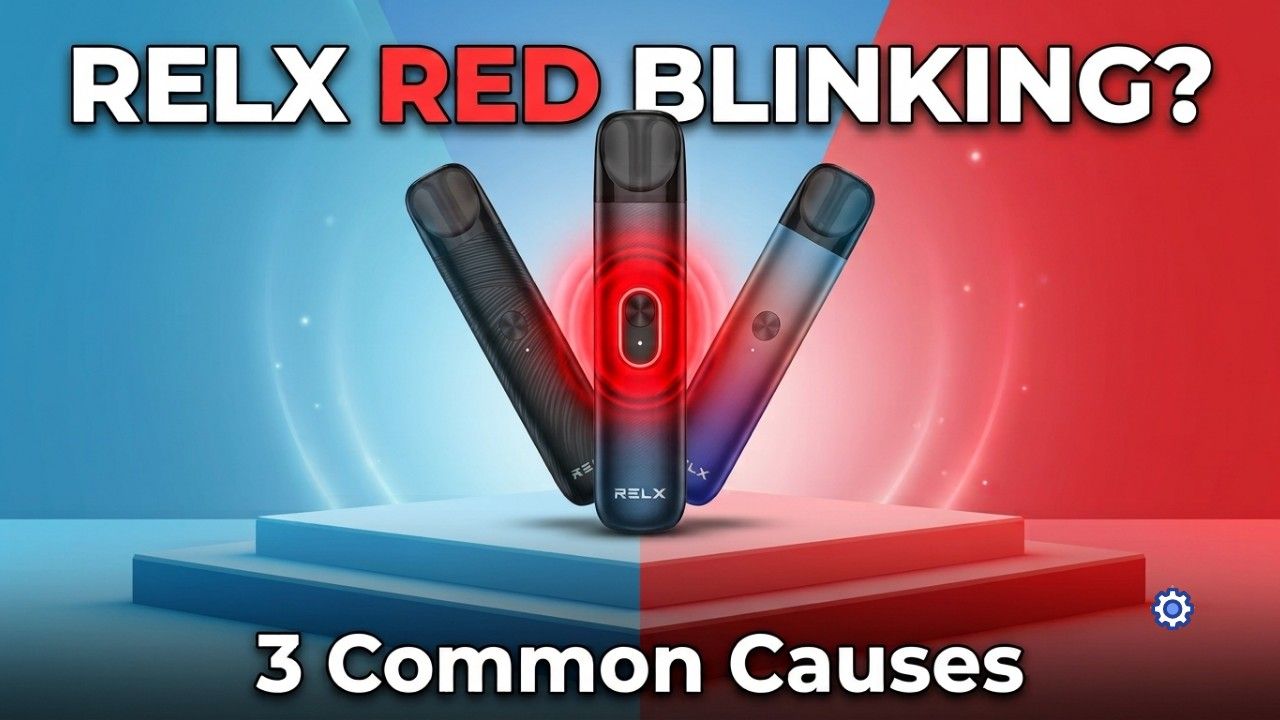
Your RELX just flashed red mid-puff. Before you panic, know this: that light is a built-in safety warning, not a death sentence for your device. Different blink patterns point to different problems, and most get sorted in minutes.
This applies across the current RELX Device lineup, Infinity 2, Infinity Plus, and Artisan, along with RELX cartridges. Diagnose before you replace anything.
Quick Answer: What’s Actually Wrong
- 10 blinks: battery too low to fire.
- 3 blinks plus vibration: pod connection or short-circuit fault, usually dirt or condensation.
- Slow red pulse while inhaling: over-puff protection kicked in.
None of these mean the device is dead. They mean the protection system caught something and stopped the circuit before real damage happened.
What Does the Red Blinking Light Mean?
The RELX Protection System
RELX devices constantly check battery voltage, pod connection, coil resistance, airflow, temperature, and puff duration every time you draw. If any reading falls outside a safe range, the firmware cuts power and flashes red. Standard behavior, not a defect.
Why Blinks Instead of a Screen
RELX devices don’t have a screen, so the LED does the talking. Different counts and rhythms flag different faults. Learn the pattern, and troubleshooting gets much faster.
Is It Safe to Keep Inhaling?
Not while the light is actively warning you. A temporary lockout, like low battery or over-puff protection, is harmless and clears on its own once you charge or wait it out. A genuine hardware fault looks different: the same blink keeps returning even after a full charge, clean contacts, and a fresh pod.
RELX Red Blink Diagnostic Table
| LED Pattern | Meaning | Most Likely Cause | Quick Fix |
|---|---|---|---|
| 10 Red Blinks | Battery depleted (voltage sag) | Battery below operating voltage | Charge the device |
| 3 Red Blinks + Vibration | Pod connection or short circuit | Dirty contacts, condensation, loose pod | Clean contacts and reinstall pod |
| Slow Red Flash While Inhaling | Over-puff protection | Puff exceeded safety limit | Wait a few seconds and inhale normally |
Cause #1: Low Battery (10 Red Blinks)
Lithium batteries sag under load. The ceramic coil pulls a burst of current the instant you inhale, and if voltage dips below the safe threshold, the device cuts power immediately. A battery can look fine at rest and still sag hard the moment you puff, especially an aging cell or one running in Boost Mode.
The Infinity 2 offers Eco Mode (5.5W), Smooth Mode (6.5W), and Boost Mode (8W). Boost Mode pulls more current, so it’s more likely to trip the low-battery warning on a partially discharged cell.
Quick fix: Charge with a proper 5V/1A wall adapter, wait 15 to 20 minutes, and avoid weak USB ports or laptop chargers that trickle-charge too slowly to help.
Cause #2: Pod Connection or Short Circuit (3 Red Blinks)
Gold contact pins connect the pod to the device, and the firmware checks resistance across them before firing. Interrupt that connection, even briefly, and the device shuts down instantly.
UAE humidity and constant air conditioning make condensation common. Moisture inside the pod chamber can bridge the pins or block the pressure sensor, and the device reads that exactly like a short circuit. Other common culprits: pocket lint, dust, dirty or slightly bent pins, a loose pod, or a damaged third-party pod.
RELX Pod Pro 2 uses tighter contact geometry built for the Infinity 2’s smart power modes, so dirt that an older Pod Pro would tolerate can trip a fault on the newer pod first.
Safe cleaning steps:
Remove the pod, check for visible moisture. If liquid’s pooled, hold the device pod-bay-down and shake it gently a few times so gravity pulls it out rather than pushing it deeper. Wipe the contacts and pressure sensor with a dry cotton swab, let everything air dry, then reseat the pod firmly.
Avoid these:
Don’t poke sharp objects into the chamber or scrape the pins, don’t flood the chamber to “flush it,” don’t blow into the USB port or pod bay (that pushes moisture deeper), don’t tap or strike the device to knock a pod loose (it can jar the pressure sensor or battery), and don’t leave it on an uncertified fast charger, which can overheat the control unit and freeze it in a red-error state permanently.
Cause #3: Over-Puff Protection
Draws longer than about five seconds trigger an automatic cutoff. It’s not a glitch, it’s protecting the FEELM ceramic coil, which stores e-liquid in microscopic pores that dry out and burn if overheated. A run of several heavy puffs in quick succession can trip the same lockout as one overlong draw.
Best technique: slow inhale, 2 to 4 second draws, a short pause between puffs, and no chain vaping.
Advanced Diagnostic Checklist
- Battery level
- LED blink pattern
- Pod condition
- Contact cleanliness
- Pressure sensor
- Swap in another authentic RELX Pod Pro or Pod Pro 2
- Reinsert pod and restart
How to Clean the Contact Pins Correctly
Dirt on the pins raises electrical resistance, and that’s exactly what triggers the protection system. Wipe the contacts about once a week with a dry cotton swab, more often if you notice reduced vapor. Watch for discoloration or visibly bent pins; that points to wear rather than dirt, and usually calls for a new pod rather than more cleaning.
UAE Weather Can Trigger Red Lights
- Extreme heat stresses the battery and makes it sag under load more easily.
- Air conditioning creates sharp temperature swings that cause condensation, and those same swings can expand and contract the air pocket inside a sealed pod, pushing e-liquid toward the sensors.
- Sand and dust coat charging contacts and pod pins, interfering with the electrical connection, especially on the tighter-tolerance Pod Pro 2.
Can Fake Pods Cause Red Blinking?
Yes. Counterfeit pods rarely match genuine resistance specs, which throws off the coil check before it fires, and poor contact alignment makes connection errors more likely. They also tend to leak more, adding condensation faults on top. If your flavor has been fading fast lately, that’s worth ruling out too. Genuine RELX Pod Pro and Pod Pro 2 cartridges are built to consistent tolerances, which is exactly why they connect reliably.
RELX Infinity 2 Power Modes and Battery Performance
- Eco Mode (Green): lowest power, best battery life, safest choice on a low charge.
- Smooth Mode (Blue): balanced output for everyday use.
- Boost Mode (Purple): strongest vapor, highest draw, most likely to trigger voltage sag on a partial charge.
Device-by-Device Troubleshooting Notes
- Infinity 2: A red blink when switching to Boost Mode usually just means the battery can’t support that wattage yet. Drop to Eco Mode or charge up. If it’s stuck looping, remove and reinsert the pod a few times to force a reset.
- Artisan: Its leather-wrapped metal shell holds heat a little longer than the plastic Infinity range, so give it extra cooldown time. If you’ve dropped it recently, check whether the contact pins have been pushed down and aren’t springing back flush.
- Infinity Plus: Cross-check the horizontal battery LED bars against the red inhale pulse. Decent bars plus a 10-blink warning usually means voltage sag from an aging cell, not a truly empty battery, so a full charge (not a quick top-up) tends to fix it.
When Should You Replace the Pod Instead of the Device?
Swap the pod, not the device, if you notice a burnt or harsh flavor, persistent leaking, weak vapor compared to a fresh pod, repeated errors tied to one specific pod, or a pod that’s simply reached the end of its lifespan. If a second, known-good pod clears the issue, it was never the device. Your senses also change fast after you quit smoking, so a burnt hit may stand out more than it used to even on the same pod.
Habits That Keep Red Lights Rare
- Store the device and spare pods upright so gravity keeps liquid away from the sensors.
- Swab the pod bay dry every three to four days to catch condensation early.
- Charge as soon as you see the first low-battery signal instead of running it down further; it protects the cell and prevents voltage sag.
Pros and Cons of RELX Safety Protection
- Pros: prevents overheating, protects the ceramic coil, extends battery life, catches unsafe faults automatically, reduces damage from leaking pods.
- Cons: condensation can trigger a false connection warning, older batteries hit low-voltage protection sooner in Boost Mode, dirty contacts interrupt communication with newer smart pods more easily.
Where to Buy Genuine RELX Devices and Pods in the UAE
Buy from a retailer that guarantees authenticity across the current lineup: Infinity 2, Infinity Plus, Artisan, Pod Pro, and Pod Pro 2. TEREA Dubai stocks verified RELX devices and Relx pods across the UAE range, and ordering online with delivery also avoids the shipping delays that let condensation creep in before the pod reaches you.
Look for full device specs, proper batch codes, realistic pricing, and clear compatibility info. Still deciding on a model? Compare the Infinity 2 against the Artisan or check the top RELX devices in the UAE.
Frequently Asked Questions
Why does my RELX blink red 10 times?
Low battery. Charge the device for 15 to 20 minutes with a standard 5V/1A adapter, then try again.
What do 3 red blinks mean?
A pod connection or short-circuit issue, usually caused by dirt, condensation, or a loose pod. Clean the contact pins and reseat the pod.
Why does my device blink red only while inhaling?
The device performs its safety checks while firing under load. It may appear normal when idle but fail those checks during a puff.
Can condensation trigger a red warning?
Yes. Moisture inside the pod chamber can bridge the contact pins or interfere with the pressure sensor, causing a red warning.
Why does a new Pod Pro 2 trigger red blinking but an older pod doesn’t?
The Pod Pro 2 has tighter contact tolerances, making it more sensitive to dirt, condensation, or slight pin misalignment.
Can a fast phone charger clear the red light faster?
No. Use a standard 5V/1A charger. Fast chargers can deliver more current than the device is designed to handle.
Why does Boost Mode trigger red blinking more often?
Boost Mode draws the highest current. If the battery is partially discharged, the extra power demand can trigger the low-battery protection.
Should I replace the pod or the device first?
Try a second, known-good pod first. If the red blinking disappears, the original pod is the problem.
Can dust cause red blinking?
Yes. Fine dust can build up on the contact pins and interrupt the electrical connection between the pod and the device.
Why does my RELX stop after a long puff?
The device activates over-puff protection. Draws lasting more than about five seconds automatically cut off power to protect the coil.
How often should I clean the contact pins?
Clean them about once a week with regular use, or sooner if you notice weaker vapor or unexpected red blinking.
Can a tiny drop of e-liquid ruin the device?
Usually not if you remove it quickly. Dry the pod chamber thoroughly with a cotton swab. Long-term liquid exposure is more likely to cause damage.
Why does my Infinity 2 vibrate and flash red when switching to Boost Mode?
The battery may not have enough charge to support Boost Mode. Recharge the device or switch to Eco Mode until the battery level increases.
What if it blinks red with no pod inserted?
Inspect the empty pod chamber for dust, debris, or damaged contact pins. If the device still blinks red without a pod, the issue is likely with the device itself.
Is a blinking red light always a hardware failure?
No. Most cases are caused by a low battery, a dirty or loose pod connection, condensation, or over-puff protection rather than a faulty device.
Final Thoughts
Almost every red blink comes down to one of three things: low battery, a pod connection issue, or over-puff protection. Match the pattern to the table above before assuming the worst.
Clean the contacts regularly, stick to authentic Relx pods, and charge properly, and red-light interruptions become the exception rather than the rule, even with UAE heat and dust working against you.
Curious whether your pod needs swapping, or want help picking the right RELX device? Take a look at authentic RELX pods and devices online and get set up right.