You’ve probably seen the glowing touch screen on your new IQOS ILUMA device and realized this isn’t your older brother’s tobacco heater. It’s sleek, it’s metallic, and in 2026, it is officially the smartest device in your pocket. But here is a secret: most users in Dubai only use about 50% of what this device can actually do.
If you are just sliding in a TEREA stick and puffing away, you’re missing out on the “smart” half of the experience. By pairing your device with the IQOS App, you can change everything from how the battery behaves to how many extra puffs you get.
At TEREA Dubai, we believe that if you’re investing in premium tech, you should know how to use all of it. This guide will show you how to turn your ILUMA i into a personalized experience from a standard heater.
What the IQOS App Really Does
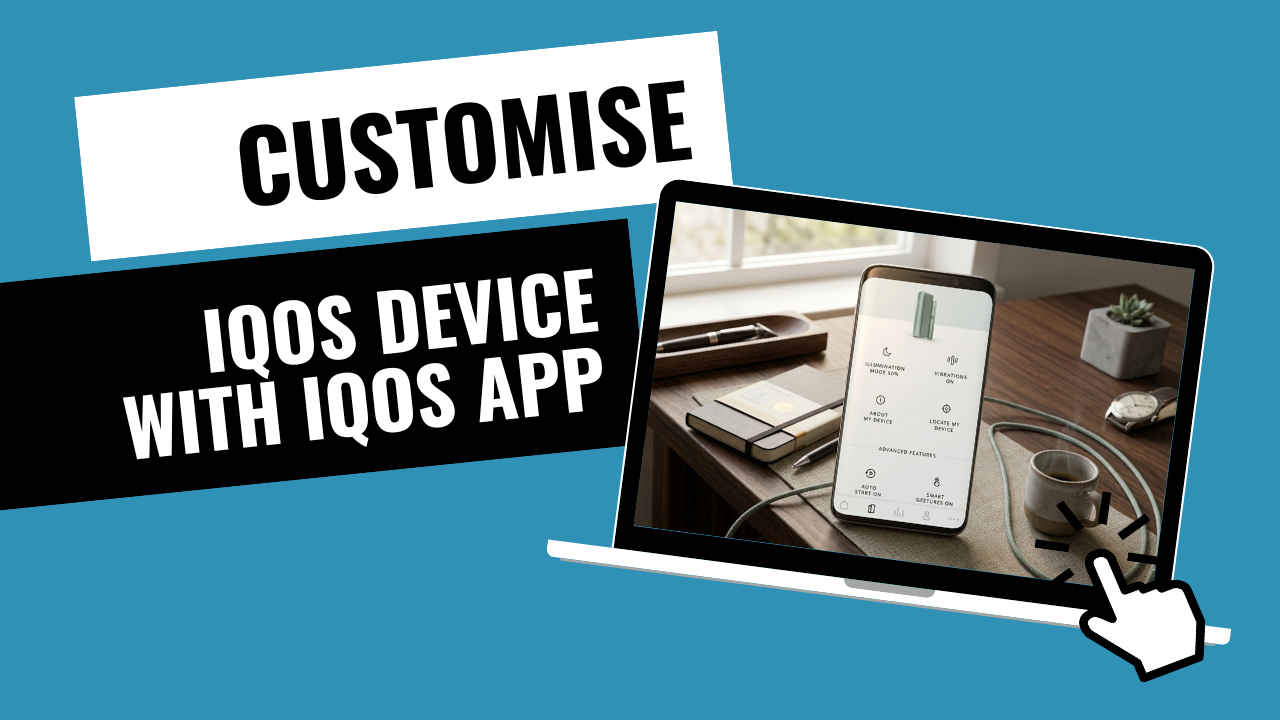
Think of the IQOS App as the “Control Center” for your device. While the ILUMA i works perfectly fine on its own, the app allows you to toggle features that are physically impossible to reach on the device itself.
- What it controls: Battery health modes, haptic (vibration) feedback, LED brightness, and firmware updates.
- What it doesn’t change: It won’t make the nicotine stronger or the tobacco hotter. The SMARTCORE INDUCTION SYSTEM™ handles the chemistry; the app handles the “feel.”
Which ILUMA Models Support App Customization?
In the UAE, we have three main models. Your level of control depends on which one you’re holding:
- IQOS ILUMA i Prime: The VIP experience. It offers full access to the app, including FlexBattery (Eco vs. Performance) and Pause Mode settings. It looks stunning in Midnight Black or the new Breeze Blue.
- IQOS ILUMA i Standard: Includes the core smart features. You can adjust lighting and alerts, but the app is mostly used here for battery health and firmware.
- IQOS ILUMA i One: This is the “simplicity” model. While it’s great for 20 consecutive uses, it has limited app connectivity. It doesn’t support the touch screen features or the advanced Pause Mode found in the Prime.
Setting Up the IQOS App (First-Time Users)
In the UAE, iOS users often struggle because the Apple App Store has restrictions on tobacco-related apps.
How do I connect on iPhone?
You should use the IQOS Web App via a Bluetooth-enabled browser like “Bluefy.” For Android users, the native app is available directly.
- Turn on your phone’s Bluetooth.
- Hold the button on your ILUMA i holder/charger until the lights pulse.
- Pair through the app interface.
Pro Tip: Ensure your device is at least 50% charged before pairing, or the connection might drop during the initial sync.
Customizing Session Behavior
Once you’re in, the first thing you should do is look at Vibration Alerts.
Do you find the vibrations too aggressive during a quiet meeting in DIFC? You can use the app to turn off the “Ready to Use” vibration or the “End of Session” alert. You can also dim the Touch Screen brightness—taking it from a bright 100% down to a subtle 30% for a more discreet look.
FlexPuff Insights: Seeing Extra Puffs in Action
The FlexPuff feature is the most talked-about update in 2026. It can give you up to 4 extra puffs if the device senses you haven’t fully consumed the TEREA stick.
How the App Reveals the Pattern:
The app shows you a log of when FlexPuff was activated. If you notice you’re never getting extra puffs, the app might reveal that you’re taking long, deep draws that consume the stick faster. If you’re “distracted” (in a meeting or driving), the app’s data helps you see how the device adapted to give you more time.
Note: FlexPuff won’t activate if you’ve used Pause Mode during that session.
Smart Alerts That Actually Improve Taste
Have you ever had a session that tasted “off”? Sometimes, it’s not the tobacco; it’s the firmware.
- Firmware Updates: Just like your phone, your ILUMA i needs software updates to manage the induction heating curve. The app will notify you when a new update is ready.
- Usage Reminders: The app can track how many sticks you’ve used. While ILUMA doesn’t need “cleaning” in the traditional sense, the app can remind you to wipe the contacts to ensure the holder charges perfectly every time.
Device Health & Performance Monitoring: FlexBattery
This is the “Full Potential” feature. Inside the app, you can choose between:
- Performance Mode (Default): This allows for up to 3 consecutive uses (3 sticks in a row) without needing to put the holder back in the charger.
- Eco Mode: This limits you to 1 use at a time but extends the total lifespan of your holder’s battery by up to one year.
In the high heat of the UAE, batteries degrade faster. Switching to Eco Mode is a smart move if you want your Digital Violet to last for years instead of months.
Personalizing the Experience for Your Habit
- For the Heavy User: Keep it in Performance Mode. Use the app to enable “Auto-Start” so heating begins the second you slide in a TEREA Sienna.
- For the Social User: Turn off the vibrations and dim the lights. Use TEREA Turquoise for a light, breezy social vibe.
- For the Tech Lover: Turn on all haptic feedback and use the app to track your weekly “puff count” to see your usage trends.
UAE-Specific Usage Tips (Local Expertise)
Does the UAE heat affect the app sync?
Yes, indirectly. If your device gets too hot (left in a car), it may temporarily disable Bluetooth to protect the battery. If the app won’t sync, let the device cool down in an AC-controlled room for 15 minutes.
Using the app to monitor battery temperature is a “secret” way to ensure you aren’t damaging your tech during a Dubai summer.
Common Myths About the IQOS App
- Myth: “The app makes the hit stronger.” -> Reality: No, the heat is capped for safety.
- Myth: “Bluetooth drains the battery.” -> Reality: It uses Bluetooth Low Energy (BLE), which has a negligible impact on battery life.
- Myth: “It changes the TEREA flavor.” -> Reality: It only changes the reminders and vibrations; the flavor is determined by the stick, like TEREA Yellow or TEREA Amber.
Troubleshooting: When the App Doesn’t Sync
What if it won’t connect?
First, “Forget” the device in your phone’s Bluetooth settings. Then, perform a Soft Reset on your ILUMA i by holding the button for 10 seconds until it vibrates. Re-open the app and try the pairing process from scratch. 90% of sync issues are solved by this simple reset.
FAQ: Real Questions From ILUMA i Users
Does customization change how TEREA heats?
No. The induction heating profile is fixed to prevent burning. Customization only changes alerts, vibrations, and on-screen behavior.
Is the app required for daily use?
No. The device works perfectly without the app, but you’ll be using the default settings only.
Why doesn’t ILUMA i One support Pause Mode?
It’s a hardware limitation. The ILUMA i One is a single-piece device and doesn’t have the sensors or touch screen needed to pause a session.
Final Takeaway: Control the Experience
The IQOS App doesn’t change the tobacco—it changes how you interact with it. By spending 5 minutes setting up your preferences, you ensure that every session is exactly how you like it. Whether you want to save your battery with Eco Mode or get the most out of FlexPuff, the power is in your hands.