Introduction
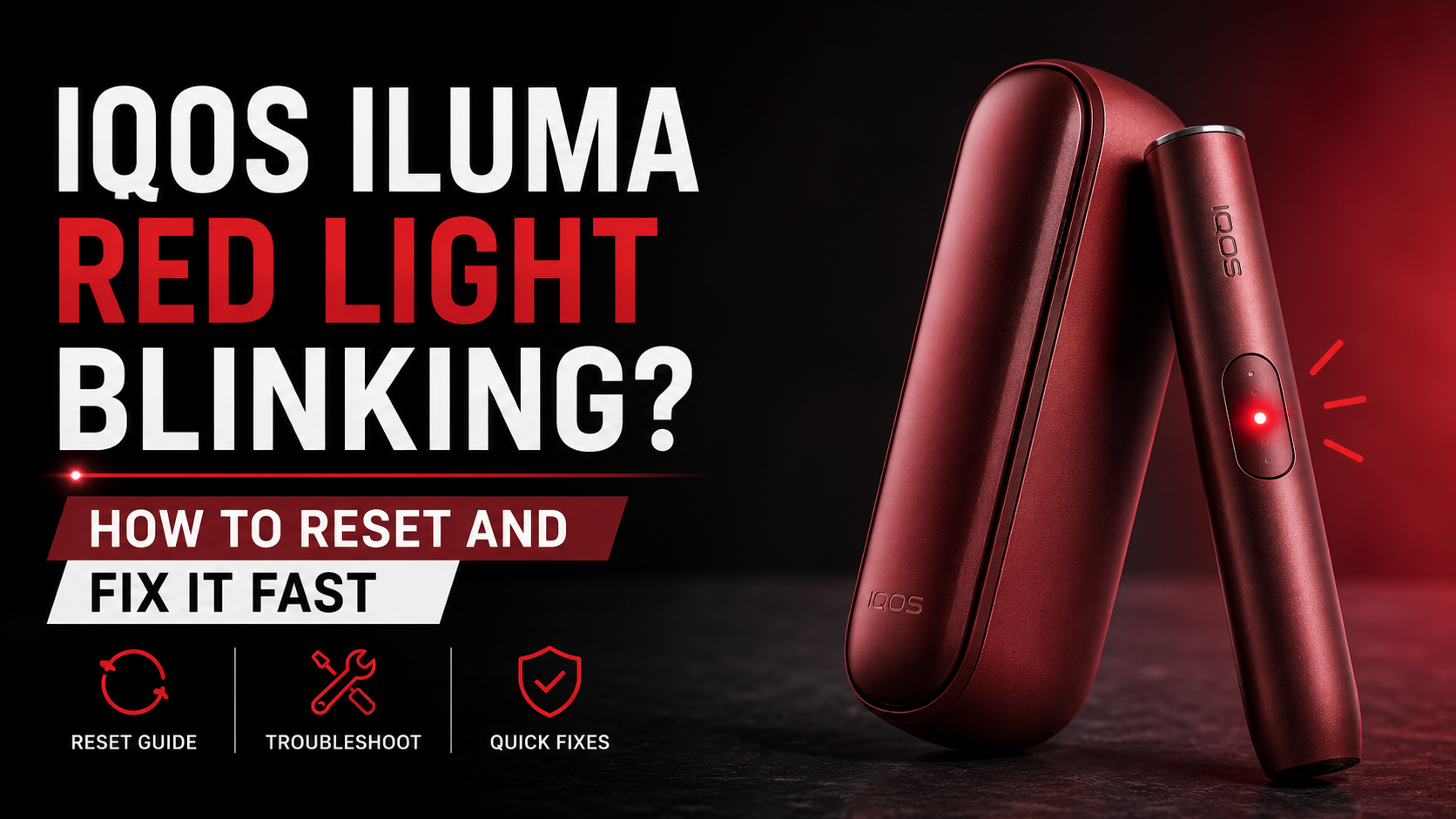
You pick up your IQOS ILUMA, press the button, and instead of the usual glow, a red light stares back. Maybe it blinks once and stops. Maybe it won’t quit. It’s usually not as dramatic as it looks , a blinking red light can mean anything from a small software hiccup to overheating, a charging problem, or, less often, a hardware fault. Most of these get sorted out at home, no replacement needed. This guide covers what the light means, its common causes, step-by-step fixes, how to reset the device, and when to call in support.
What Does the Red Blinking Light Mean on IQOS ILUMA?
Is a Red Blinking Light Always a Serious Problem?
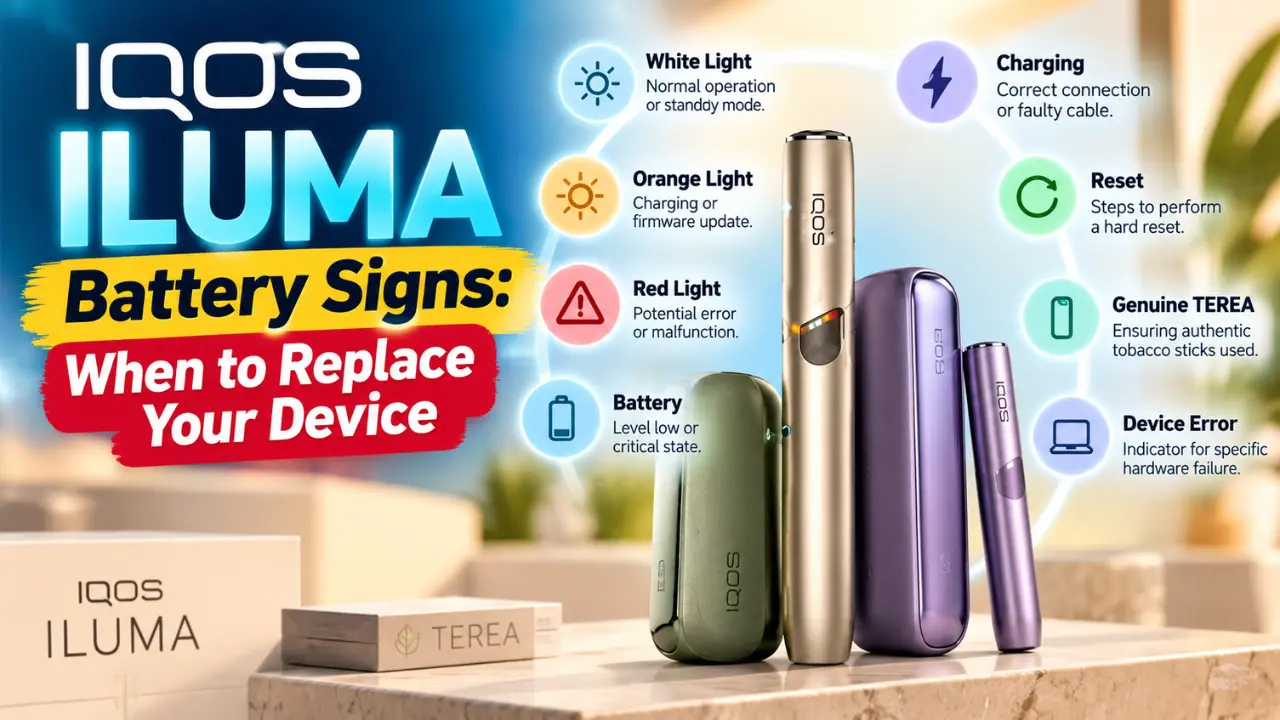
Not really, no. A lot of people assume red automatically means broken, but that’s not how it works here. Some red light warnings are just temporary safety protections doing their job , pausing the device before something gets damaged. Others genuinely mean the device needs your attention, whether that’s a charge, a clean, or a proper inspection. The trick is learning which is which instead of panicking the first time you see it.
Different Red Light Behaviors
The pattern and timing tell you more than the color itself:
- Blinking red light — usually temporary, often tied to battery or a glitch
- Solid red light — tends to be more persistent and may need a reset
- Red light while charging — points toward the cable, adapter, or contacts
- Red light during heating — often overheating or battery protection
- Red light right after inserting a TEREA stick — could be a detection issue
- Red light after dropping the device — worth treating seriously
Why Is Your IQOS ILUMA Blinking Red?
Temporary Software Glitch
Sometimes the device just hiccups. A firmware error, an interrupted session, or the device simply not responding can trigger a red light with no obvious cause. It usually appears randomly, the device won’t start, and a restart clears it up more often than not.
Battery Is Critically Low
Probably the single most common reason. The ILUMA has a battery protection mode, and if the battery can’t support a full session, it won’t attempt one , it just shows red instead. Check the charging indicator; if it lights up normally, this was likely your answer. Give it a full charge before trying again.
Device Overheated
Given the UAE climate, this one comes up a lot. Internal temperature protection kicks in from direct sunlight, a parked car, or several sessions back to back. Signs include a warm holder, heating becoming temporarily unavailable, and the light showing up during use.
Device Is Too Cold
Less common locally, but it happens , usually after time in a cold car or during winter travel. Cold reduces battery performance temporarily and can cause a brief misfire.
Charging Problem
A faulty charging cable, a damaged adapter, dirty contacts, or even an unstable power source can all cause this. Since non-original cables are widely sold in local markets, this is more common here than people expect.
Firmware Error
A failed firmware update, one that got interrupted mid-process, or corrupted firmware can leave the device confused. If you suspect this, check for pending updates through the IQOS app when it’s supported in your region.
Dirty Charging Contacts
Dust, pocket lint, and oxidation build up on the metal contacts over months of daily use. None of this looks like much, but it’s enough to create a poor electrical connection and trigger a red light during charging.
Internal Hardware Fault
Battery damage, a failing temperature sensor, electronics issues, a damaged charging circuit, or in rarer cases a motherboard problem , these are the less common causes, but they’re real, especially on an older device.
Damage After Dropping the Device
A drop can loosen an internal connection, cause hidden damage that isn’t visible from outside, or misalign the heating chamber. If the light started right after a fall, that timing is not a coincidence.
Moisture or Liquid Exposure
Water damage, humidity, or condensation can all trigger a built-in safety shutdown. If this applies to you, let the device dry out completely before attempting anything else.
What Should You Do First When the Red Light Starts Blinking?
Stop Using the Device
Forcing sessions when the device is warning you can make things worse, especially with overheating or battery strain. Give it a pause.
Check Battery Level
Plug it in and watch the indicator. If it charges normally, fully recharge before testing anything else.
Let the Device Cool Down
Especially after heavy use, outdoor heat, or charging. Fifteen to twenty minutes indoors is usually enough.
Inspect for Visible Damage
Check for cracks, bent parts, chamber damage, or a blocked charging port.
How to Reset IQOS ILUMA (Step-by-Step)
When Should You Reset the Device?
Once charging and cooling haven’t resolved it, or the device behaves unpredictably without a clear cause, a reset is worth trying. It’s low risk and doesn’t erase your app pairing.
Standard Reset Procedure
- Make sure there’s at least some charge in the device
- Hold the button for roughly 10 seconds , timing varies slightly by model, and our full reset guide breaks this down per ILUMA i variant
- Watch for the LED to change, confirming the reset is underway
- Release and let the device restart on its own
- Try a normal session once it’s back on
How Long Does the Reset Take?
Around 10 to 15 seconds, with the LED cycling through a pattern before settling back to standby.
What Happens After Resetting?
The device restarts fresh. Temporary errors clear out, though mid-session data is lost. App pairing and settings typically stay intact.
Step-by-Step Troubleshooting Guide
- Charge the device fully
- Restart the device
- Try another charging cable
- Use the official IQOS charger
- Clean the charging contacts
- Let it reach room temperature
- Check for firmware updates
- Test with a new TEREA stick, and confirm it’s genuine
- Inspect the holder
- Contact IQOS support
Red Light While Charging: What It Means
Normal Charging Behavior
A brief flash right as you plug in is nothing to worry about. It usually settles into a steady or pulsing pattern once charging begins properly.
Abnormal Charging Behavior
Watch for the device refusing to charge at all, a red light that stays on continuously, or charging that starts and stops repeatedly. Any of these point toward a cable, adapter, or contact issue.
Red Light During a Heating Session
Overheating Protection
The most frequent cause during active use, especially with back-to-back sessions or warm environments.
Battery Protection
If the battery can’t sustain the draw a full session needs, the device interrupts rather than risk damage.
Session Interrupted
Removing the stick too early or an accidental button press can trigger this too — usually the least concerning cause.
Internal Error
If none of the above fits and this happens consistently, an internal error becomes the more likely explanation, and a reset is worth trying next. Our guide on overheating in TEREA ILUMA devices covers this scenario in more depth.
Red Light After Dropping Your IQOS ILUMA
A drop can loosen the battery connection, misalign the chamber, or damage a sensor without leaving a mark on the outside. Gently check whether anything feels loose when shaken, whether the stick sits properly, and whether the red light repeats every time you use it. Consistency here is the clearest sign of genuine internal damage.
Can a Red Blinking Light Damage Your Device?
Usually, no. It exists as a warning system, not a symptom of damage. That said, ignoring repeated warnings and continuing to force sessions can gradually let an underlying issue worsen over time.
Signs the Problem Is Minor vs. Signs You Need Repairs
| Usually a Minor Issue | Possible Hardware Failure |
|---|---|
| Restart fixes it | Constant blinking regardless |
| Device works after charging | Won’t charge at all |
| No physical damage | Won’t reset |
| Red light disappears | Gets unusually hot |
| Battery drains rapidly | |
| Physical damage exists |
Common Mistakes That Make the Problem Worse
| Mistake | Why It’s a Problem |
|---|---|
| Ignoring the warning | Issue may worsen |
| Using unofficial chargers | Charging instability |
| Charging in extreme heat | Battery protection activates |
| Dropping the device repeatedly | Internal damage |
| Cleaning with liquids | Electronics damage |
| Forcing TEREA sticks | Chamber damage |
How to Prevent Red Light Problems
Charge before the battery hits critically low, not after. Avoid extreme temperatures — no parked cars, no long stretches in direct sun. Keep charging contacts clean with a dry cloth. Update firmware when prompted. Stick to genuine TEREA sticks and accessories rather than cheaper alternatives that don’t fit right. Handle the device carefully and store it properly, especially in summer , our guide on storing TEREA in UAE heat has tips that apply to the device too.
Quick Diagnosis Table
| If This Happens… | Most Likely Cause | First Thing to Try |
|---|---|---|
| Red light while charging | Charging issue | Try official charger |
| Red light after heavy use | Overheating | Let device cool |
| Red light after dropping | Internal damage | Inspect device |
| Red light after firmware update | Software issue | Restart/reset |
| Red light on low battery | Battery protection | Fully recharge |
| Red light every session | Hardware problem | Contact support |
When Should You Contact IQOS Support?
Reach out to support or an authorized boutique if a reset doesn’t work, the red light keeps returning, the device won’t charge or heat, physical damage is visible, firmware updates keep failing, or your device is still under warranty. Our full guide on claiming your IQOS ILUMA warranty in the UAE walks through the exact process.
Frequently Asked Questions
Why is my IQOS ILUMA blinking red?
Most often low battery, overheating, a charging issue, or a minor software glitch.
Can resetting fix a blinking red light?
Often, yes, especially for software causes. If it returns right away, look elsewhere.
How do I reset my IQOS ILUMA?
Hold the button for about 10 seconds until the LED changes, then let it restart.
Can a low battery cause the red light?
Yes, very commonly. The device would rather warn you than attempt an unreliable session.
Why does the red light appear while charging?
Usually a cable, adapter, or dirty contact issue.
Can overheating trigger a blinking red light?
Yes, and it’s common locally given the climate.
Should I continue using the device when the red light appears?
No stop, let it rest or charge, then try again.
Can a firmware update fix the issue?
If it’s software-related, yes. Check the app for anything pending.
Does a blinking red light mean my battery is damaged?
Not necessarily. It often just means the battery is low or being protected.
When should I replace my IQOS ILUMA instead of repairing it?
If it’s out of warranty and showing consistent hardware symptoms fast drain, won’t reset, constant overheating — replacement usually makes more sense.
Related IQOS ILUMA Troubleshooting Guides
- ILUMA i Devices Not Performing Well? Here’s What to Check
- Troubleshooting Overheating in TEREA ILUMA Devices
Conclusion
Most red light issues come down to something simple: low battery, a bit of overheating, a worn charging cable, a firmware hiccup, or occasionally a hardware fault that’s been building for a while. Charging, cooling, cleaning, and resetting resolve most cases without a replacement. Stick to genuine accessories, handle the device carefully, and keep firmware updated. If the light persists after this guide, contact IQOS support or visit an authorized service center, especially if the device is still under warranty.
Looking to upgrade instead? Browse the full IQOS ILUMA i lineup, including the ILUMA i Prime, ILUMA i Standard, and ILUMA i One, along with genuine TEREA sticks to pair with it.