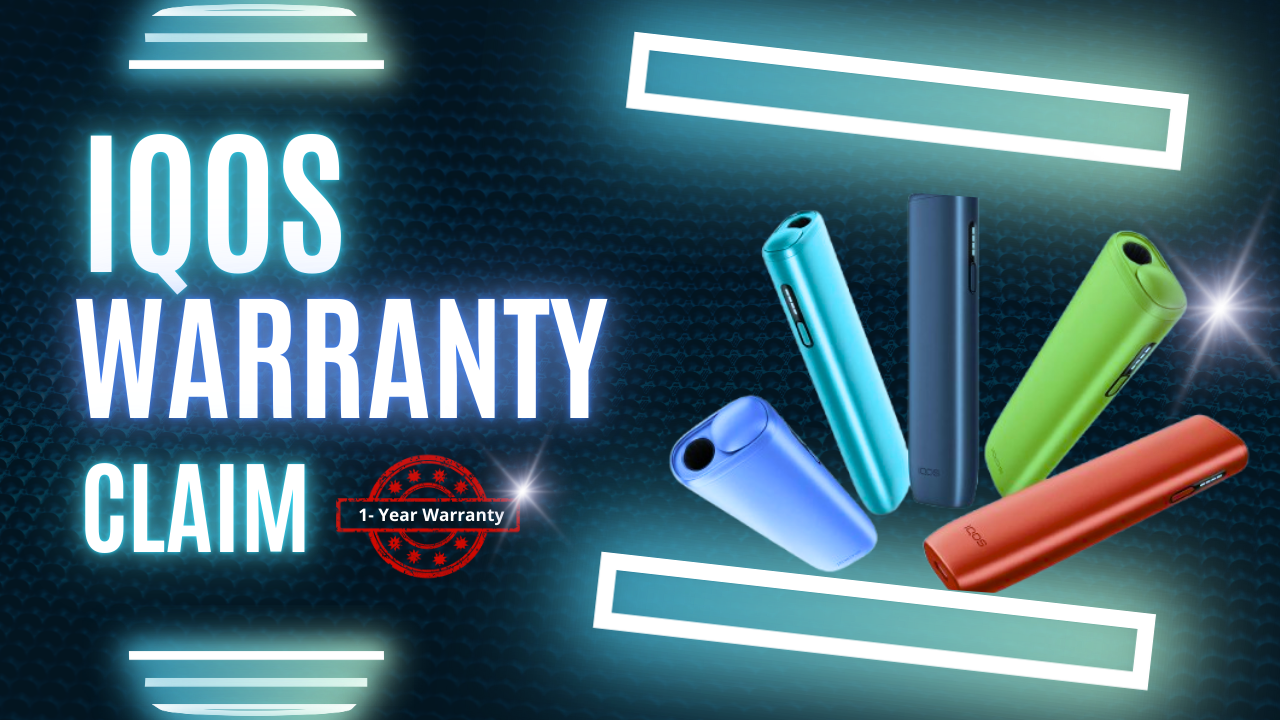
Why Your IQOS ILUMA Warranty Matters in the UAE
You are an IQOS ILUMA user—whether the ILUMA I standard, ILUMA I prime or ILUMA I one—your device is an investment. Like any electronic, it needs protection. That’s where your warranty comes in.
The IQOS warranty in UAE is your safety net. If a manufacturing fault occurs, you get a fast, free repair or replacement. In a country where quality and reliability matters, knowing the right process saves you time, hassle and money.
This guide has everything you need: from checking your coverage to contacting support and getting a smooth replacement for your ILUMA I series device.
What the IQOS Warranty Covers for ILUMA Devices
The warranty on your IQOS ILUMA device covers defects in materials and workmanship when used as described in the User Guide.
✅ Covered (Manufacturing Faults):
- Device Not Heating: The ILUMA holder doesn’t heat the TEREA stick.
- Charging Failures: Pocket Charger doesn’t charge the Holder or the device doesn’t hold a charge.
- LED Errors: Lights on the device or charger blink red or amber and troubleshooting can’t fix the issue.
- Functional Defects: Components are defective in material or workmanship (e.g. charging case lid breaks off due to factory defect).
❌ Not Covered (User-Induced Damage):
- Accidental Damage: Damage caused by drops, bumps or external force.
- Liquid Contact: Water or liquid damage of any kind.
- Misuse or Modification: Malfunction caused by using non-compatible products, DIY repairs or unauthorized modifications.
- Normal Wear and Tear: Scratches, dents or cosmetic damage that doesn’t affect functionality.
- Battery Degradation: Natural and expected battery performance degradation over time.
Warranty Duration for ILUMA Devices in UAE
Knowing your warranty window is critical. IQOS provides a generous base warranty and an excellent extended option for users in the UAE.
Standard & Extended Coverage
| Device Type | Standard Warranty | Extended Warranty (Upon Registration) | Total Max Warranty |
| IQOS ILUMA I standard | 12 Months | + 12 Months | 24 Months (2 Years) |
| ILUMA I prime | 12 Months | + 12 Months | 24 Months (2 Years) |
| ILUMA I one | 12 Months | + 12 Months | 24 Months (2 Years) |
The warranty starts from the date of purchase. You must register your device within 30 days of purchase to unlock the additional 12 months of coverage and extend your warranty up to 2 years.
Note: The warranty applies to the Holder and the Pocket Charger. Electronic accessories, power adaptors and charging cables are generally excluded from the extended warranty terms.
How to Check if Your ILUMA Device Is Under Warranty
Don’t guess about your coverage—check it online instantly. IQOS has a simple way to verify the warranty status of your IQOS ILUMA device, like the ILUMA Standard or ILUMA prime.
Step-by-Step Verification
- Find Your Serial Number: Locate the unique 14-digit serial number. It’s usually printed on the original retail box and sometimes etched inside the device holder or charging case.
- Visit the Official IQOS UAE Website: Go to the support or warranty section.
- Log in or Register: You must log in to your existing IQOS account or create one and register your device if you haven’t already done so.
- Add/View Device Status: Enter the serial number in the designated field. The system will display whether your IQOS ILUMA device is registered, the registration date and the remaining warranty period.
Why Registering Your IQOS Is Important
Registering your device is not optional; it’s mandatory. It will automatically activate your 24-month warranty (if done within 30 days) and give you access to premium benefits like International Assistance when traveling and Accidental Damage Protection (one-time replacement for ILUMA I prime users).
Want to understand the IQOS ILUMA i FlexPuff feature and how to get more puffs? Check out our full guide here
How to Claim Your IQOS Warranty in UAE?
The fastest way to process a claim is through the online portal.
Step 1 – Log in to Your IQOS Account
Go to the IQOS UAE website and sign in. If you bought your device from the website, your IQOS ILUMA or IQOS ILUMA I series is already registered.
Step 2 – Select Your Registered ILUMA Device
Go to the ‘My Devices’ section in your account dashboard. Find the serial number of the ILUMA I prime, ILUMA One, or IQOS ILUMA I standard that is having the issue.
Step 3 – Submit a Warranty Claim (Online Diagnostic)
Click on the ‘View Details’ button next to the defective device. Then click on ‘Let’s Fix Your IQOS.’
- Troubleshooting: The system will first guide you through quick self-diagnosis steps (like resetting your IQOS).
- Reporting: If the problem persists, the system will validate your warranty and ask you to submit the full claim. Be ready to describe the issue clearly and any error lights you see.
Step 4 – Customer Support Review
After you submit your claim, the IQOS team reviews the issue. They check if it’s a manufacturing fault. This usually takes only one business day.
Step 5 – Get a Replacement or Repair
If your claim is approved, the IQOS team will send you a replacement.
- Replacement: They will send a new Pocket Charger and/or Holder to your registered address.
- Old Device: You need to return the faulty device (Pocket Charger and/or Holder) using the packaging and instructions provided with your replacement. This will keep your warranty valid.
IQOS Express Replacement in UAE – What It Means
IQOS wants to minimize your downtime.
Express Replacement Overview
Express Replacement is for users who can’t wait. If your device is registered and your warranty claim is approved for a manufacturing defect, IQOS will deliver your replacement device fast and hassle free.
- Who Qualifies: All registered IQOS ILUMA I series users (ILUMA I prime, ILUMA I one, ILUMA I standard) are eligible for fast replacement service if the issue is covered under the manufacturer’s warranty.
- Delivery Time: In cities like Dubai and Abu Dhabi, replacements are usually delivered within 24 hours of claim approval.
Warranty Claim via WhatsApp or Hotline
If you want to speak to an agent or need help troubleshooting first, the direct contact methods are quick.
- IQOS Support: Call the official IQOS UAE Customer Care Hotline or WhatsApp number (found on the IQOS UAE website).
- Share Details: Be ready to share your registered device serial number, a full description of the issue and your location.
- Visual Proof: If asked, send photos or a short video of the error lights (e.g. red light blinking) to speed up the diagnosis.
The IQOS team can usually diagnose the issue and start the replacement process if the defect is under warranty.
Common Problems ILUMA Users Face — and Whether Warranty Covers Them
| Problem | Covered by Warranty? | Explanation |
| Device not turning on/heating | ✅ Yes | This is typically a manufacturing defect, covered if troubleshooting fails. |
| Red Blinking Lights | ✅ Yes | Often signals a critical internal malfunction, which qualifies for a claim if a reset does not fix it. |
| Device Dropped and Cracked | ❌ No | Accidental physical damage is generally excluded. (ILUMA I prime users may get one-time accidental damage coverage if registered). |
| Lid not closing properly | ✅ Yes | If due to component failure (not user force), it is covered as a material defect. |
| Water Contact/Spill | ❌ No | Liquid damage voids the warranty instantly. |
| Weak Session/Low Aerosol | Mostly No | Usually caused by stale TEREA sticks or improper use, not a device fault. |
What You Need Before Submitting a Warranty Claim
Preparation is key to get your claim processed fast.
- Registered Device: Your IQOS ILUMA must be linked to your IQOS account.
- Serial Number: Have the 14-digit serial number ready.
- Proof of Purchase: Keep your original store receipt or invoice handy. While often waived if the device is registered online, the company may ask for it.
- Visual Evidence: Take clear photos or a video of the defect (e.g. red light flashing).
Troubleshooting First — Quick Fixes Before You Request Warranty
Many “broken” devices just need a quick reset. Try these simple steps before submitting a warranty claim—it will save you time!
- Reset: Put the Holder back into the Pocket Charger. Press and hold the Pocket Charger button for ≈10 seconds. Release when all the lights dim out and then briefly blink white, indicating the reset.
- Check the Charge: Make sure the Pocket Charger is not dead. Charge the Pocket Charger with the original IQOS charger and cable for at least 30 minutes.
- Check Temperature: If the lights blink white three times, the device is too hot or too cold. Bring the device back to the operating temperature range (0∘C to 40∘C).
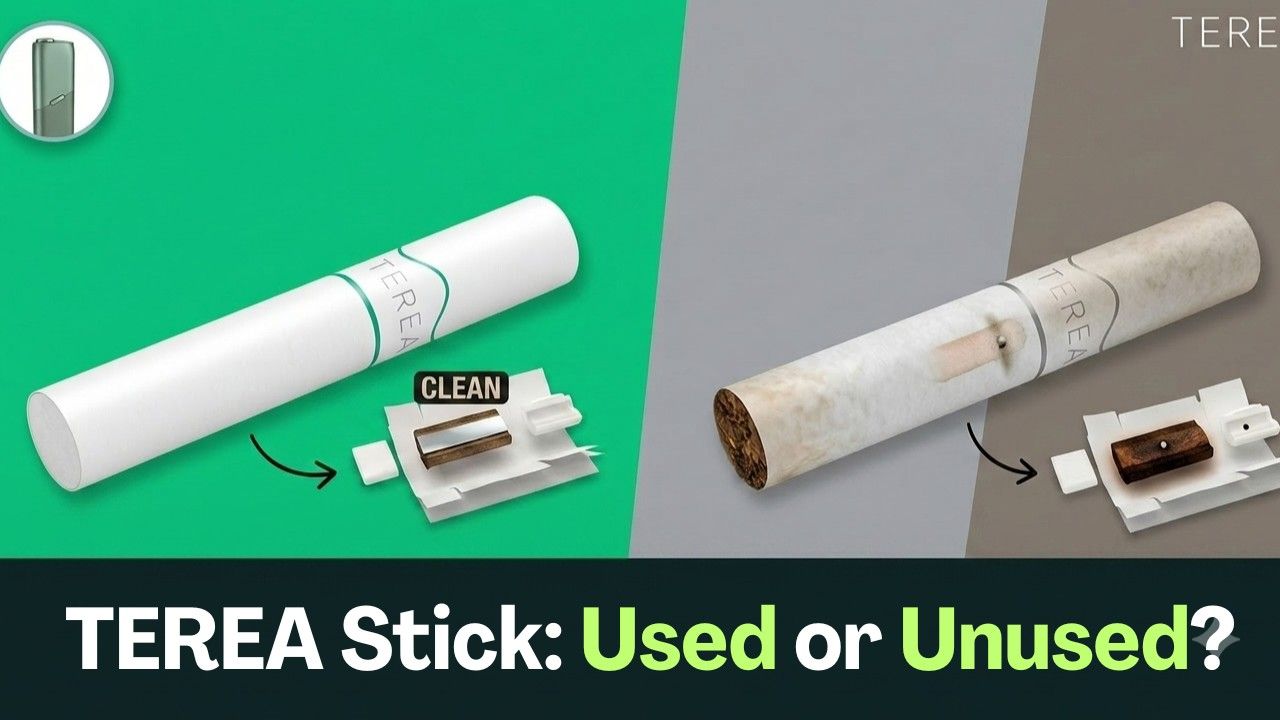
- TEREA Stick: Make sure you are using a genuine, unused TEREA stick for the IQOS ILUMA series.Preparation is key to get your claim processed fast.
- Registered Device: Your IQOS ILUMA must be linked to your IQOS account.
- Serial Number: Have the 14-digit serial number ready.
- Proof of Purchase: Keep your original store receipt or invoice handy. While often waived if the device is registered online, the company may ask for it.
- Visual Evidence: Take clear photos or a video of the defect (e.g. red light flashing).
- Reset: Put the Holder back into the Pocket Charger. Press and hold the Pocket Charger button for ≈10 seconds. Release when all the lights dim out and then briefly blink white, indicating the reset.
- Check the Charge: Make sure the Pocket Charger is not dead. Charge the Pocket Charger with the original IQOS charger and cable for at least 30 minutes.
- Check Temperature: If the lights blink white three times, the device is too hot or too cold. Bring the device back to the operating temperature range (0∘C to 40∘C).
- TEREA Stick: Make sure you are using a genuine, unused TEREA stick for the IQOS ILUMA series.
Warranty Tips for UAE ILUMA Users (Avoid Rejection)
Follow these simple rules to keep your warranty valid for 2 years.
- Never Open the Device: Don’t do DIY repairs or modifications. This voids your warranty.
- Use Original Accessories: Only use TEREA sticks and official IQOS charger and cable provided with your kit.
- Keep It Registered: Make sure all your IQOS ILUMA devices are linked to your online account for best support and extended coverage.
- Buy Authentically: Purchase your device only from authorized IQOS retailers in UAE to get a genuine device with a valid serial number.
TEREA Flavors for IQOS ILUMA
There are different types of flavors available
| TEREA origins |
|---|
| TEREA from Kazakhstan |
| TEREA from Indonesia |
| TEREA from Japan |
| TEREA from Swiss |
| TEREA from Italy |
Where to Buy UAE-Approved IQOS ILUMA Devices (for Warranty)
A genuine warranty starts with a genuine purchase.
Always buy your IQOS ILUMA series (including ILUMA I prime, ILUMA I one, and ILUMA I standard) from official or authorized retailers in UAE such as the online shop TEREA Zone. This ensures the device is registered with correct regional serial number and qualifies for local 2 year warranty and rapid replacement service.
- Red Flags to Avoid: Be cautious of third party sellers offering low prices, mismatched packaging or devices with unclear serial numbers. These often don’t have valid UAE warranty.
Final Thoughts — A Simple Guide for UAE ILUMA Users
Your IQOS ILUMA device is designed to be reliable but knowing your warranty options is key. It’s simple: Register Your Device, Troubleshoot First, Contact IQOS Support.
UAE has great warranty support with quick replacements so your downtime is minimal. Take control of your investment and register your IQOS ILUMA I series device today and get the full 2 year warranty.
Need a replacement or looking to upgrade to the latest ILUMA I series? Explore the full range of authentic, UAE-warrantied devices at TEREA Zone Dubai today.
Planning to travel with IQOS? Learn the rules, tips, and airport guidelines in the UAE in our guide here
FAQs – IQOS ILUMA Warranty in UAE
Do I need a receipt to claim the warranty?
No, you generally do not need the receipt if your device is registered online. Registration already links the purchase to your account. Keeping the receipt is still recommended as backup.
How long does the replacement process take in the UAE?
Replacements are fast. Once your claim is approved, IQOS usually delivers the replacement within 24 hours in major UAE cities.
Is damage from dropping the device covered by the warranty?
No, accidental drops are not covered by the standard warranty. Registered ILUMA I Prime users do get one-time Accidental Damage protection.
Can I claim a warranty if I bought the device outside UAE?
Yes, if the device is registered. IQOS provides International Assistance in 50+ countries, though replacement models may differ by region.
Does the warranty cover the charger or just the device?
The 2-year warranty covers both the Holder and the Pocket Charger for manufacturing defects. Accessories like USB cables or power adapters are usually not covered.
Can ILUMA PRIME and ILUMA ONE claim warranty the same way?
Yes, both use the same claim process. ILUMA I Prime models are the only ones eligible for one-time accidental damage coverage upon registration.