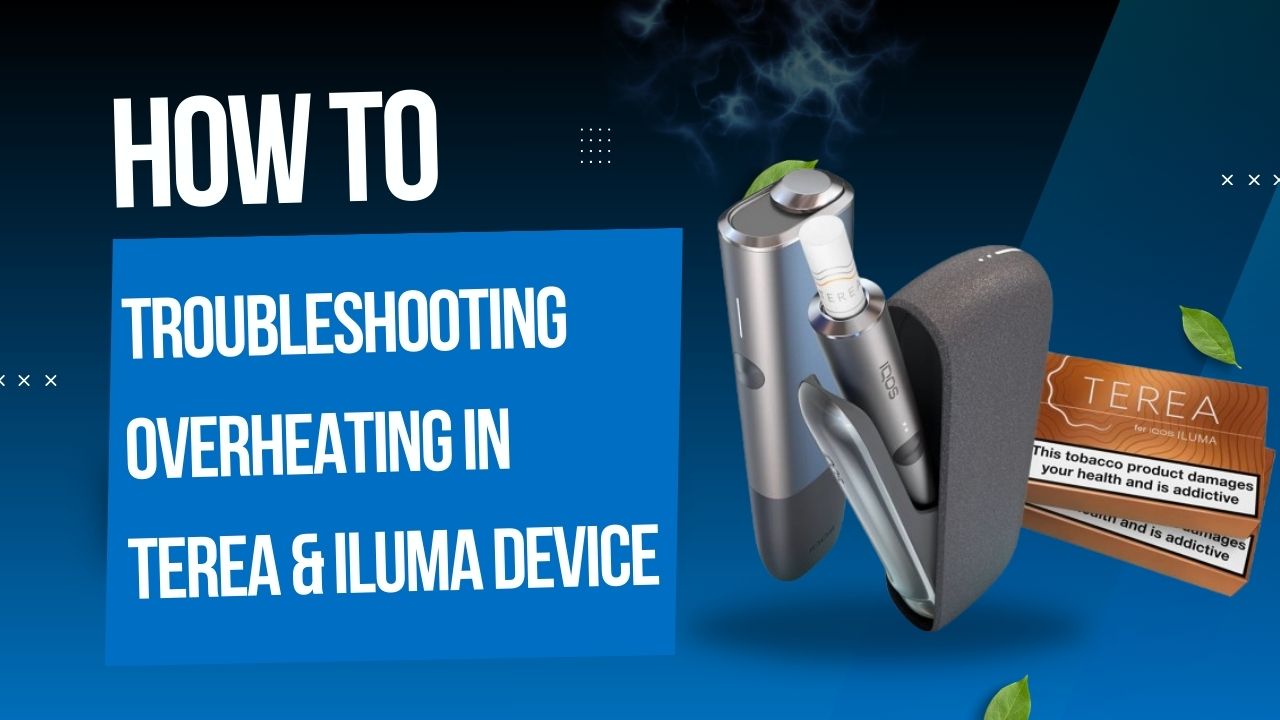
Using TEREA sticks with your IQOS ILUMA device in the UAE should feel smooth, consistent, and enjoyable. But if you’ve noticed your device getting unusually hot, you’re not alone. Overheating can be frustrating, affect the flavor of your sticks, and reduce the lifespan of your device if not addressed.
In this guide, we’ll cover why ILUMA devices overheat, how to troubleshoot them, and ways to prevent it, with practical tips for users in Dubai, Abu Dhabi, Sharjah, and other UAE cities.
Understanding Device Overheating
Overheating occurs when your device’s temperature exceeds safe operating levels. Recognizing the signs early helps prevent damage and ensures the best experience.
Signs Your Device Is Overheating
- Hot to the touch: You shouldn’t be uncomfortable holding your ILUMA i Prime or ILUMA i One.
- Uneven heating: Some TEREA sticks, especially TEREA Menthol or TEREA Turquoise Menthol, may feel weak or harsh due to inconsistent heat.
- Automatic shutdowns or warning lights: Many ILUMA devices automatically turn off if internal temperature rises too high.
Why Devices Overheat
Overheating is usually caused by a combination of usage habits, environmental factors, and device condition:
- Rapid consecutive usage – Using multiple sticks back-to-back, like TEREA Blue or TEREA Menthol, doesn’t give the device time to cool.
- Non-original accessories – Chargers or adapters not approved by IQOS ILUMA may interfere with heat regulation.
- Environmental heat – The UAE gets extremely hot, especially in Dubai Marina, Abu Dhabi downtown, or Sharjah highways, which can raise device temperature.
- Residue or blockages – Tobacco residue from sticks like TEREA Oasis Pearl or dust inside the ILUMA chamber can restrict airflow, increasing heat.
Scenario: Ahmed in Dubai noticed his ILUMA i Standard getting unusually hot after three TEREA Menthol sticks on a 42°C afternoon. A short cooldown and cleaning the chamber fixed it immediately.
Common Causes of Overheating
Understanding the root causes makes troubleshooting easier.
1. Continuous Usage
Many UAE users enjoy several TEREA Flavors during long commutes or social gatherings. While this is normal, using sticks like TEREA Blue or TEREA Turquoise Menthol back-to-back generates heat. Devices like the ILUMA i Prime need a short break between sessions to maintain optimal performance.
2. Charging Habits
Charging is another major factor:
- Using non-original chargers can affect battery regulation.
- Charging in hot locations, such as a parked car under the Abu Dhabi sun, increases internal device temperature.
- Leaving the device plugged in overnight contributes to long-term overheating issues.
3. Device Blockage or Residue
Residue from TEREA sticks, particularly TEREA Menthol or TEREA Oasis Pearl, can accumulate in the ILUMA chamber, affecting heating efficiency. Dust or lint can block airflow, causing the device to work harder and produce excess heat. Regular cleaning is essential, especially in dusty or sandy environments like Sharjah.
4. Hardware or Firmware Problems
Faulty batteries or heating elements in devices like the ILUMA i One or ILUMA i Standard can cause persistent overheating. Outdated firmware may also interfere with temperature management. If your new device frequently overheats, professional inspection might be required.
Immediate Troubleshooting Steps
If your ILUMA device or TEREA stick starts overheating, follow these steps:
Step 1: Power Down Immediately
Turn off the device and let it cool naturally for at least 5–10 minutes. Using it while hot can worsen the problem or damage the heating mechanism.
Step 2: Check for Blockages
- Remove any used TEREA sticks.
- Clean the ILUMA heating chamber using official cleaning tools.
- Make sure no dust or debris is inside the chamber.
Step 3: Inspect Charging Habits
- Always use official IQOS ILUMA chargers.
- Avoid charging in direct sunlight or areas with high ambient temperatures.
- Do not use cheap adapters or fast chargers from other brands.
Step 4: Let the Device Cool Naturally
Do not use water, ice, or other cooling methods. Let the device reach room temperature naturally before using again.
If your Iluma device not heating then you can explore this blog : Troubleshooting IQOS ILUMA Not Heating: Complete Step-by-Step Guide
Quick Troubleshooting Checklist
Here’s a simple scan-and-fix checklist for UAE users:
- Device too hot → Power off immediately
- Remove TEREA stick → Check chamber for residue
- Clean ILUMA chamber → Use official cleaning tools
- Inspect charger → Use official adapter in cool area
- Let device cool → Retry after 5–10 minutes
Preventing Overheating in the Future
Prevention is better than repair. Here’s how to protect your ILUMA device from overheating, tailored for UAE users:
Proper Usage
- Wait 1–2 minutes between sticks.
- Avoid long chain sessions during hot afternoons in Dubai, Abu Dhabi, or Sharjah.
- Stronger flavors like TEREA Menthol or TEREA Turquoise generate slightly more heat, so take extra breaks with these.
Regular Cleaning
- Clean the ILUMA chamber weekly.
- Remove residue from sticks like TEREA Blue, TEREA Menthol, or TEREA Oasis Pearl after every few sessions.
- Dusty UAE environments make cleaning essential.
Battery Care
- Charge only with official IQOS ILUMA chargers.
- Avoid overnight charging.
- Keep devices out of direct sunlight when charging.
Keep Firmware Updated
- Regular firmware updates optimize temperature management.
- Check the official IQOS app for alerts or update notifications.
Myths vs Facts About Overheating
| Myth | Fact |
| Overheating always damages ILUMA | Minor heating is normal; persistent high heat indicates an issue. |
| Any TEREA stick can overheat the device | Stronger sticks generate slightly more heat; proper breaks prevent issues. |
| Using non-official chargers is safe | Non-original chargers increase risk of overheating and battery damage. |
When to Contact Customer Support
Even after following all preventive measures, some overheating issues require professional attention. Contact support if:
- The device overheats repeatedly despite proper usage.
- You notice strange noises, smells, or irregular heating patterns.
- The device fails to power on after cooling down.
IQOS support is available in Dubai, Abu Dhabi, and Sharjah, where technicians can inspect, repair, or replace faulty devices.
Bonus Tips for UAE Users
The UAE’s climate requires some extra care:
- Summer-proof your device: Avoid leaving ILUMA devices in parked cars or exposed areas during summer. Heat can damage internal components.
- Store TEREA sticks properly: Keep them in cool, dry places, away from direct sunlight. Refrigeration is optional but helpful in extreme heat.
- Travel tips: Use protective cases and avoid sun exposure in handbags or car interiors during commutes.
Explore this blog to improve your device performance : How to Improve ILUMA I Devices Performance Over Time: 10 Expert Tips
FAQ: Troubleshooting Overheating in TEREA & ILUMA Devices
Why is my TEREA or ILUMA device overheating quickly?
Rapid usage, high ambient temperatures, dirty chambers, or battery issues are common causes. Using stronger flavors like TEREA Menthol or TEREA Turquoise Menthol can slightly increase heat.
Where to Buy Genuine Terea and Iluma in Dubai?
You can buy from Terea Zone online shop with fast delivery
Can I keep using my device if it feels hot?
No. Stop using it immediately and let it cool to avoid damage or injury.
How do I clean my ILUMA device?
Use official cleaning tools weekly to remove residue from the heating chamber and stick slots.
Does charging in the sun affect device temperature?
Yes. Always charge in shaded or air-conditioned areas.
What if my device overheats repeatedly?
Contact IQOS UAE support for inspection or replacement. Persistent overheating is not normal.
Are firmware updates helpful?
Yes. Firmware updates optimize temperature control and prevent unnecessary heating.
Can environmental heat cause TEREA sticks to overheat?
Yes. Avoid storing sticks in cars or direct sunlight, especially during Dubai and Abu Dhabi summers.
Conclusion
Overheating in TEREA & ILUMA devices is common but manageable. By following proper usage habits, cleaning regularly, charging correctly, and staying mindful of UAE’s climate, you can enjoy a smooth and reliable experience in Dubai, Abu Dhabi, Sharjah, and beyond.
Remember: prevention is always better than repair, and a little care goes a long way in extending your device’s lifespan while maintaining optimal flavor and satisfaction.